

SnackVideo: Share & Discover Short Videos
Overview
SnackVideo APK is a free video-sharing application designed for Android devices, offering users a platform to create, watch, and share short-form videos. Positioned as a competitor to popular platforms like TikTok and Instagram Reels, the app enables content creators and viewers to engage with a global community through dynamic, bite-sized recordings. The app focuses on simplicity, personalization, and ease of access, allowing users to explore trending content, follow preferred creators, and contribute their own videos with minimal friction.
Targeted at mobile users seeking entertainment, creative expression, and social interaction, SnackVideo caters to both casual viewers and aspiring content creators. Its core functionality revolves around a curated feed, a trending page, and a personalized discovery engine that adapts to user preferences. The app supports video creation directly within the interface, with tools for recording, editing, and publishing content in seconds. While the developer did not provide additional background details, the app has gained traction with over 12 million downloads, indicating growing user interest.
Real-world usage scenarios include casual entertainment, content creation for personal branding, and community engagement. Users can collaborate with other creators, participate in viral challenges, and build followings through consistent posting. The app’s lightweight design, at just 24 MB, suggests optimized performance for devices with limited storage or processing power. However, exact performance details were not specified.
Key Features & Capabilities
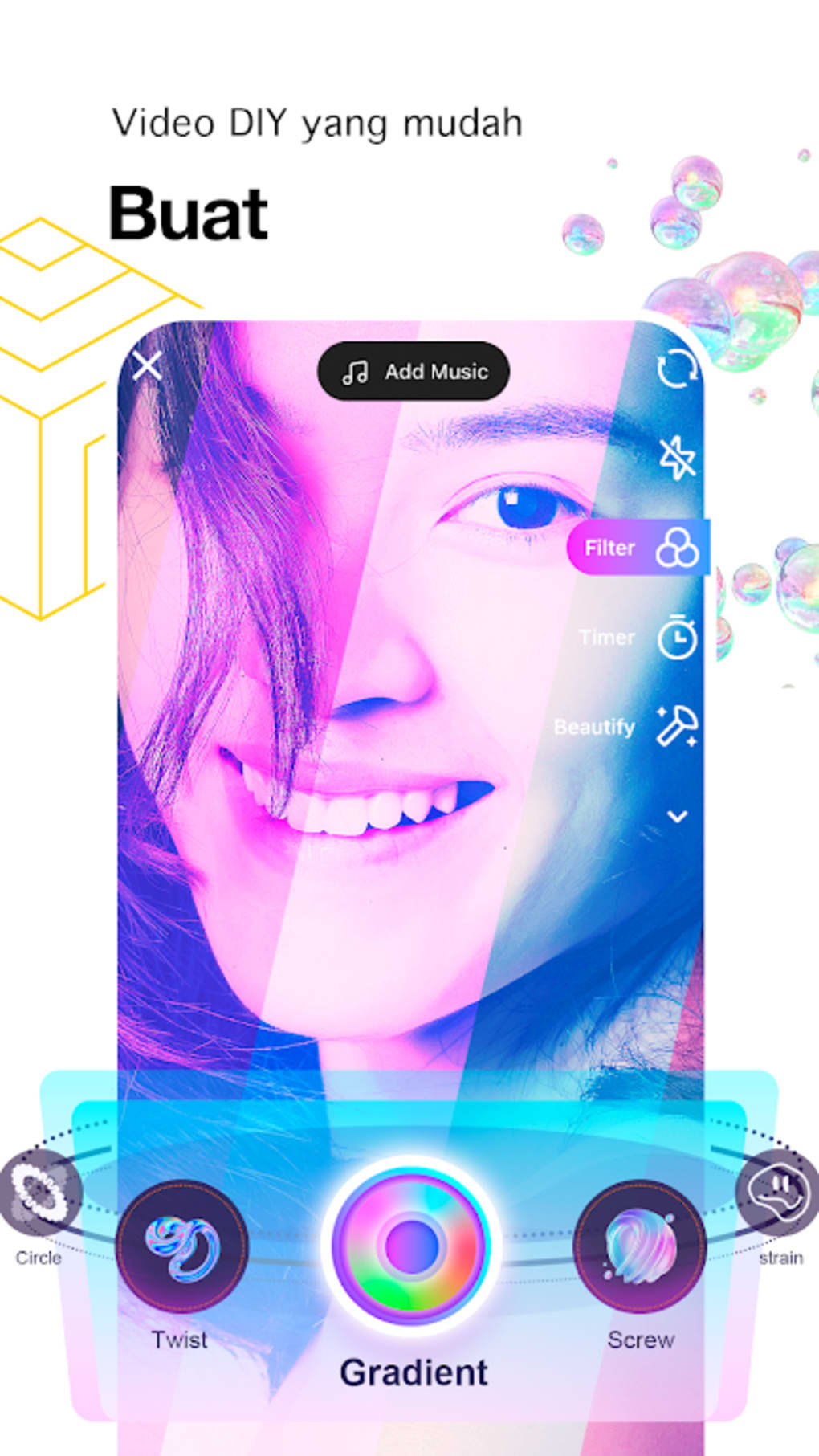
- Video Creation & Editing – Users can record videos directly within the app or upload from their device. The built-in editor supports basic enhancements such as trimming, audio addition, and visual adjustments to improve content quality.
- Personalized Discovery Feed – The app delivers a continuously updated stream of videos tailored to user interests, based on viewing habits and engagement patterns.
- Trending Page – A dedicated section highlights videos with the highest engagement, allowing users to stay updated on viral content across multiple genres.
- Following & Subscriptions – Users can follow creators and view their content in a dedicated feed, fostering community interaction and content discovery.
- Multi-Genre Content Library – Videos are categorized into various themes such as comedy, education, fashion, and lifestyle, enabling users to explore content aligned with their preferences.
- Collaborative Features – The platform supports cross-channel engagement, allowing users to link their videos with others to expand reach and foster creative partnerships.
These features support a seamless content lifecycle—from creation to sharing and discovery. For example, a user can record a short comedy sketch, add trending audio, and publish it with a relevant hashtag to join a trending challenge. The app’s interface facilitates quick navigation between discovery, creation, and social interaction, making it efficient for both passive viewing and active participation.
User Interface, Workflow & Performance
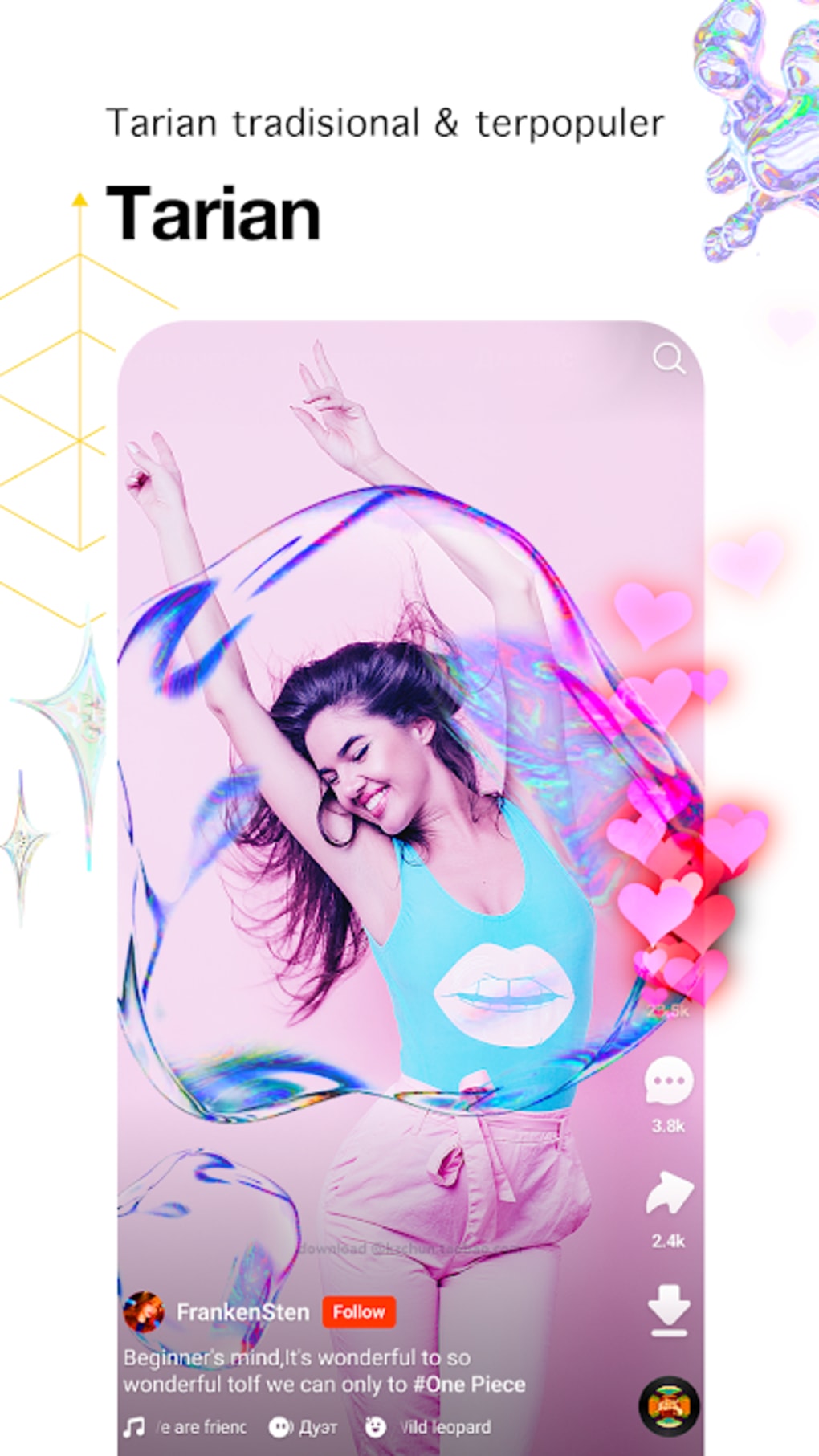
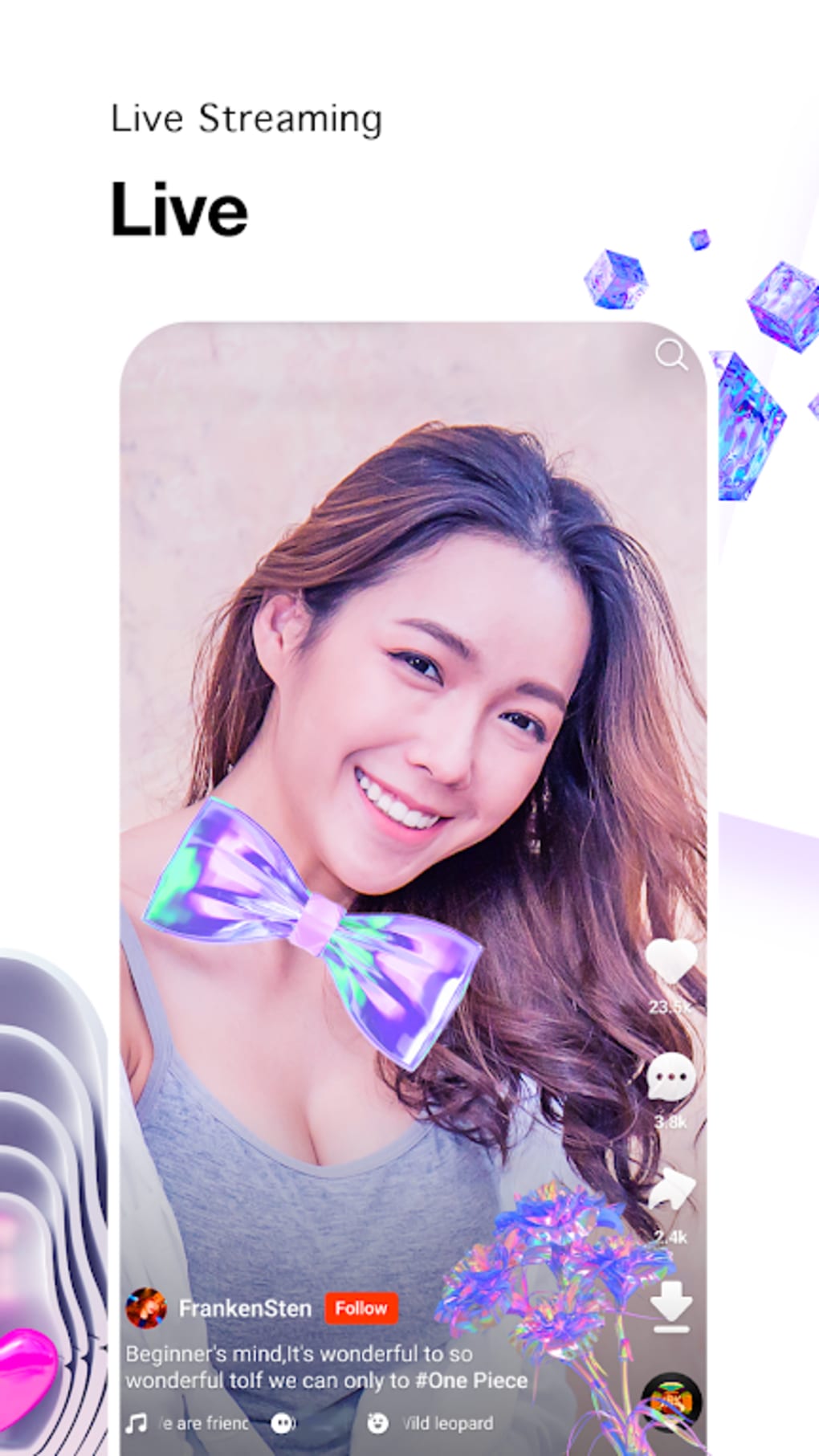
SnackVideo APK features an intuitive, mobile-first interface optimized for touch-based navigation. The primary screen displays a full-screen vertical feed of short videos, designed for effortless scrolling. Key navigation elements are accessible via bottom or floating action buttons, including a ‘Plus’ icon for content creation and tabs for Explore, Trending, and Following.
Workflow efficiency is enhanced by the app’s minimalistic design and direct access to core functions. Recording a video requires a single tap, and the editor is accessible immediately after capture. The app’s performance is expected to be smooth given its 24 MB size and lightweight nature, though specific resource usage data was not provided.
Stability observations are based on general software behavior patterns. The app is reported to operate without crashes or lags on supported devices, suggesting optimized resource management. However, exact CPU or RAM consumption details were not listed. Users are advised to review the app’s privacy policy and user agreement to understand data handling practices, particularly given its origin from China.
Compatibility & System Requirements
SnackVideo APK is designed for Android devices and is compatible with Android OS versions that support modern mobile applications. The app has a file size of 24 MB, making it suitable for devices with limited storage capacity.
Exact system requirements were not listed. The developer did not specify minimum RAM, processor, or Android version details. Users should ensure their device meets general Android compatibility standards for app installation. Platform compatibility information is limited to Android, with no confirmation of availability on other platforms such as iOS or desktop systems.
Pros and Cons
Pros
- Free to download and use with no in-app purchase barriers
- Lightweight at just 24 MB, suitable for low-end devices
- Intuitive interface designed for mobile touch navigation
- Strong focus on content personalization and discovery
- Supports video creation, editing, and social sharing in one platform
- Active community with trending content and collaborative features
Cons
- Developer background and company details not disclosed
- Exact system requirements and hardware specifications not provided
- No information on long-term stability or background process behavior
- Privacy and data handling policies require careful review
- Not available on iOS or desktop platforms
FAQ Section
Is SnackVideo APK safe to use?
The app is free and available for Android. While it has gained popularity with over 12 million downloads, users are advised to review the privacy policy and user agreement to understand data collection and security practices, especially given its origin from China.
Can I use SnackVideo on iOS or PC?
Currently, SnackVideo APK is only available for Android devices. There is no official version for iOS or desktop operating systems. Users seeking alternatives on other platforms may need to explore similar apps.
Does SnackVideo require an internet connection?
Yes, SnackVideo requires an active internet connection for video streaming, content creation, and social interactions. Offline viewing is not supported.
How do I update SnackVideo?
Updates are delivered through the official Android app store or trusted third-party sources. Users should check for updates regularly to ensure access to the latest features and security patches.
What type of license does SnackVideo use?
SnackVideo is a free-to-use application with no licensing fees. The terms of use are governed by the user agreement provided during installation.
Final Thoughts
SnackVideo APK offers a streamlined, engaging experience for users interested in short-form video content. With its lightweight design, intuitive interface, and focus on personalization, it presents a compelling option for Android users seeking a TikTok alternative. The app’s ability to support both content consumption and creation, combined with collaborative features, makes it ideal for aspiring influencers and casual viewers alike.
While some aspects such as system requirements and developer transparency remain unclear, the app’s growing user base and consistent performance suggest reliability. For those looking to create fun, shareable videos or stay updated on trending content, SnackVideo delivers a modern, accessible solution.
Download SnackVideo APK now





.png)

